

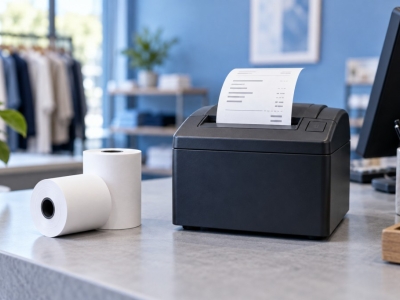
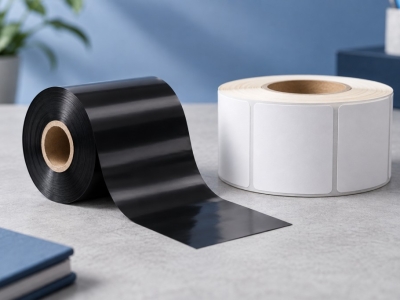


Finding the last roll halfway through a busy shift creates an urgent purchase. A reorder point turns that risk into a planned action. A simple spreadsheet is enough to start.
Choose a reliable unit
Track receipt rolls as rolls and labels as rolls or individual labels, keeping the same unit throughout the sheet. Record quantities per box and per roll. An opened box must not count as a full box.
Measure consumption
Record withdrawals across several representative weeks. Separate opening days, promotions and quiet periods. A holiday-period average may be too low for the next busy season; choose a scenario reflecting upcoming activity.
Build a simple threshold
Start with consumption during replenishment lead time plus safety stock. A fictional example of 8 rolls daily, a 5-working-day lead time and a 20-roll reserve gives a 60-roll threshold. Confirm lead time with the supplier; this example is not a delivery commitment.
Avoid duplicate orders
Before buying, reconcile available stock, reserved needs and incoming deliveries. Appoint a purchasing owner and a backup. Enter the order date and number immediately so the next count does not trigger another purchase.
Review after changes
A new machine, higher output or different pack size changes the calculation. Recheck the threshold whenever activity changes. Keep a reasonable reserve without creating excess stock beyond your storage capacity or the product’s stated shelf life.
Match your supplies to the application
Explore SEGO's consumables range. To check a reference, send us the dimensions and exact machine model.