


A correctly addressed parcel can still be delayed if its barcode cannot be read. Assess the actual printed and applied label, not just the on-screen preview.
Keep the original file
Avoid rebuilding a barcode from a screenshot. Use the original document or a generator appropriate to the requested symbology. Enlarging or compressing an image can alter bars and spaces. Keep the identifier in human-readable text as well, to support manual searches.
Preserve size and clear space
Retain the intended dimensions and clear space around the code. Do not place logos, borders or text directly against the bars. Requirements vary with the symbology and recipient: use their template rather than inventing one universal margin.
Adjust print quality gradually
A faint image lacks contrast, while excessive heat can thicken the bars. Make small speed and darkness adjustments within the manual’s limits, comparing samples side by side. If a white line consistently crosses the same position, check printhead maintenance using the manufacturer’s procedure.
Test after application
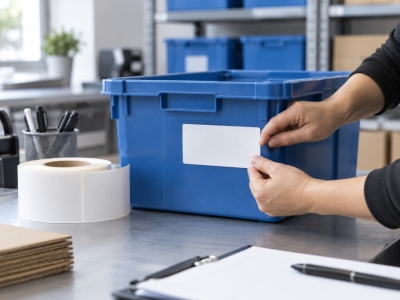
Apply the label to a flat surface away from folds and edges. Keep sealing tape away from the code. Test with the reader used in your actual workflow and check the data received by the software. A beep alone does not confirm that the correct reference was recorded.
Scanning versus verification
A scanner provides a functional check in your environment. A verifier measures quality against a defined protocol. If your customer requires a contractual barcode grade, follow their specification. Successful reading with a phone is not certification.
Match your supplies to the application
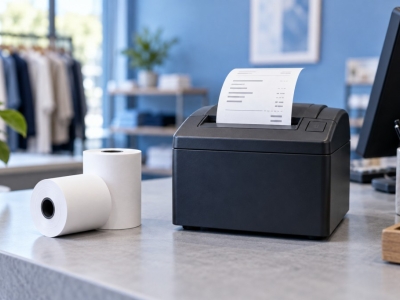
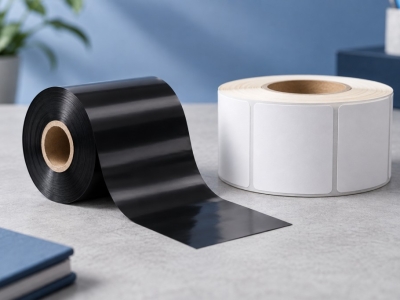
Explore SEGO's consumables range. To check a reference, send us the dimensions and exact machine model.
Technical documentation : read the manufacturer’s guidance.